1. The Rise of QR Scan Codes in Modern Digital Connectivity
Quick Response (QR) codes, originally developed in 1994 to track automotive parts across production lines, have evolved into a fundamental tool of modern digital communication. These 2D matrix barcodes can store hundreds of times more data than traditional barcodes, making them highly versatile.
Today, with modern smartphones equipped with built-in camera scanning, accessing content via QR codes takes less than a second. From digital menus and contact sharing to product packaging and marketing campaigns, QR codes are a highly effective way to bridge the physical and digital worlds.
2. Key Business QR Code Applications
Businesses can leverage QR codes in a variety of ways to streamline operations, improve customer experiences, and run effective marketing campaigns:
| Business Use Case | Best Data Payload | Strategic Value |
|---|---|---|
| Contactless Menus | Direct PDF or Website URL | Reduces physical printing costs and allows menus to be updated instantly in real-time. |
| Smart Business Cards | vCard (Contact File) | Allows networking contacts to save your full name and phone details with a single scan. |
| Product Packaging | Video Link or Assembly Guide | Saves space on packaging while providing users with rich instructions, tutorials, or origin stories. |
These applications can help reduce overhead, minimize physical touchpoints, and collect useful analytics. Using a reliable generator ensures your codes remain sharp, easily scannable, and formatted correctly.
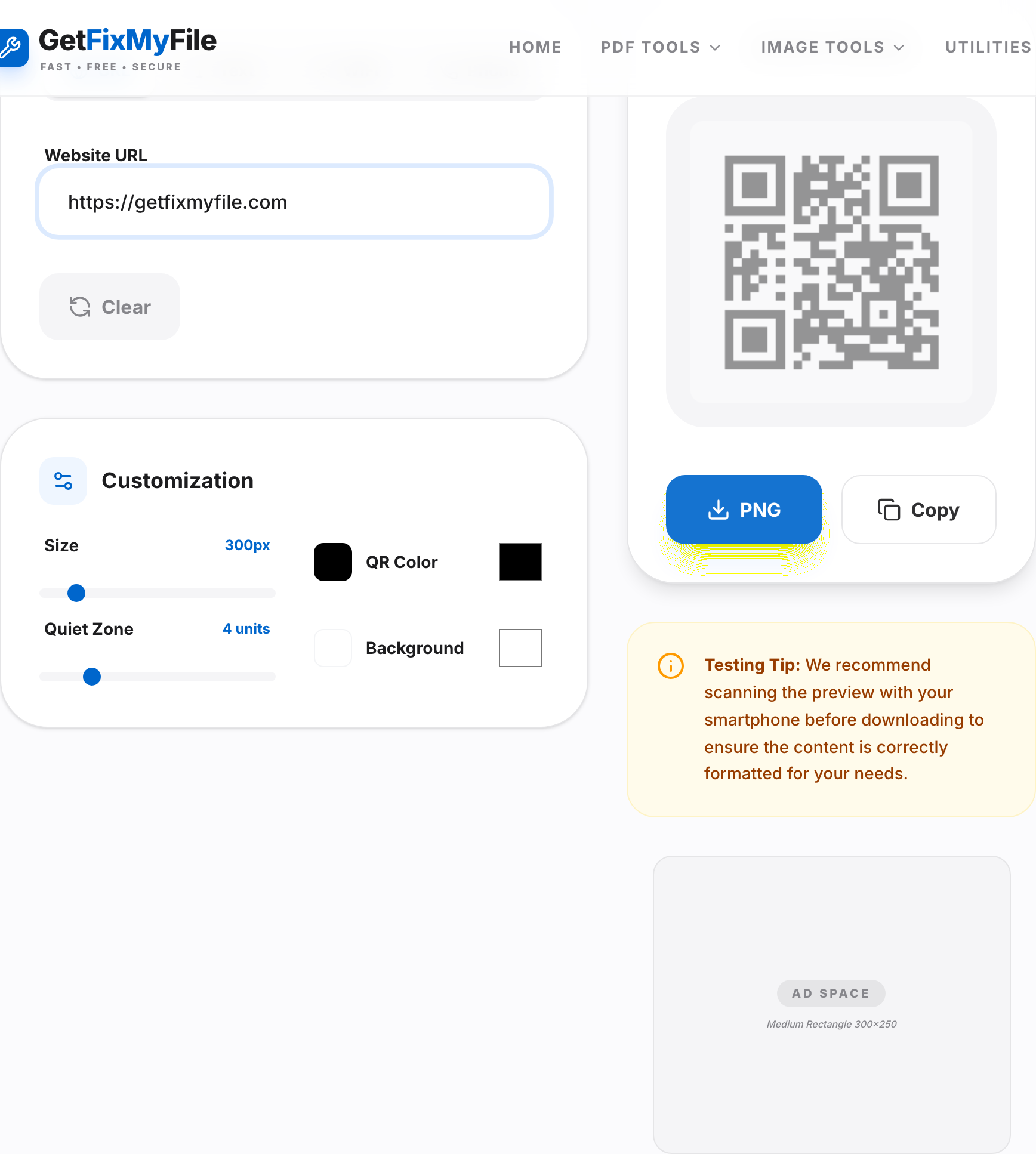
3. Creative Personal QR Code Uses
Beyond commercial marketing, QR codes offer plenty of practical uses for personal scheduling, hobbies, and home optimization:
- Easy WiFi Sharing: Print a QR code containing your WiFi name and password. Guests can scan it to connect instantly, saving you from typing out complex passwords.
- Digital Wedding Invitations: Add a QR code to your printed invitations. Guests can scan it to RSVP online, view directions, or check schedules.
- Smart Luggage Tags: Create a QR code with your contact details and attach it to your bags for easy identification if they ever get misplaced.
- Creative Greeting Cards: Embed links to custom video wishes, playlists, or photo collages directly inside printed holiday cards.
Generate Your Custom QR Code Instantly!
Use our free online tool to convert text, links, or contacts into a high-contrast, scalable vector QR code.
Generate QR Code4. Common QR Code Mistakes and Red Flags to Avoid
To ensure your custom QR codes work reliably on any smartphone scanner, keep these common pitfalls in mind:
- Low Color Contrast: Avoid pastel colors. QR scanners rely on high contrast (like dark slate on white) to read data accurately.
- Overcrowding the Matrix: Large amounts of raw text can make the QR block dense and hard to scan. Use links or short URLs whenever possible to keep the matrix clean.
- Using Low-Resolution File Exports: Small, blurry PNG files are hard to scan. Download your QR code as a high-resolution file to ensure it prints sharply.
- Failing to Test Before Printing: Always test your generated QR codes on multiple devices before committing to large print runs to prevent costly formatting errors.
5. Pro Tips for High-Quality scanning and Printing
Follow these simple best practices to ensure your QR codes scan reliably every time:
- Keep a Clean Quiet Zone: Maintain a plain white border around your QR code matrix. This helps scanner cameras detect and read the code boundaries without interference.
- Check Your Lighting and Surface: Avoid printing codes on heavily glossy, reflective, or curved surfaces that can warp the code blocks or create glare.
- Use Reliable Creation Tools: Leverage our browser-based QR Code Generator to create clean, optimized vector codes that resize sharply for print.
6. Frequently Asked Questions (FAQ) About QR Codes
Q1. Do QR codes ever expire?
Static QR codes that store plain text or direct URLs do not expire and will remain active as long as the destination link is live.
Q2. Is my personal data safe when generating QR codes?
Yes. Our generator executes client-side inside your browser, so your links, text lines, and credentials are never sent to external servers.
Q3. What is the maximum data size a QR code can store?
A standard QR code can store up to 7,089 numeric characters or 4,296 alphanumeric characters, though keeping payloads lighter ensures faster scans.
Q4. Do readers need a specialized app to scan QR codes?
No, almost all modern smartphones can scan QR codes directly using their native camera applications.
Q5. Can I use custom colors in my QR codes?
Yes, as long as you maintain a strong contrast ratio between the dark dots and light background paths to allow scanner camera detection.
Q6. Can I generate QR codes for files like PDFs or DOCX?
Yes. Simply upload your document to a cloud file share (like Google Drive) and embed the file's share link into our generator.
Q7. What file formats does the generator support?
Our generator lets you download your custom QR formats instantly as clean PNG files for digital or print layouts.
Q8. Do I need to register or sign up for an account?
No, all tools on GetFixMyFile are 100% free with no registrations or hidden limits.
Q9. Do QR codes work well on circular or curved products?
Curved surfaces can warp the code blocks and make scans fail. For curved items, print the QR code on a flat tag or label if possible.
Q10. Can I track scan counts with my QR code?
Static QR codes do not track scans directly. If you need analytics, simply use a URL shortener with built-in tracking in your embedded links.